Top Risks in iPhone

admin • May 14, 2026
| 2 min read | 4 views views

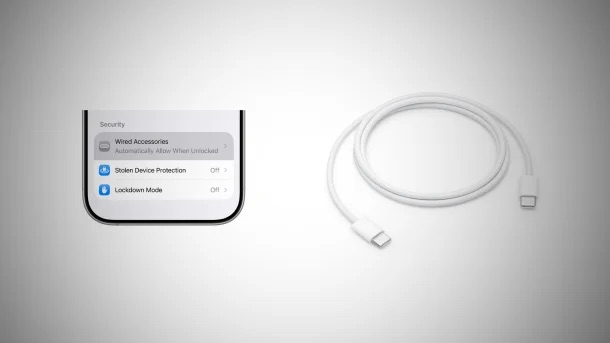
iPhone USB security centers on protecting data from unauthorized access via the port (Lightning or USB-C) by requiring the device to be unlocked. “USB Restricted Mode” locks out data connections if the iPhone hasn’t been unlocked within one hour, while modern iOS 26+ devices allow strict control over wired accessory connections

Key USB Security Features & Settings

  • USB Restricted Mode: If your iPhone is locked for over an hour, it will stop allowing USB accessories (or computers) to connect and steal data, though it will still charge.
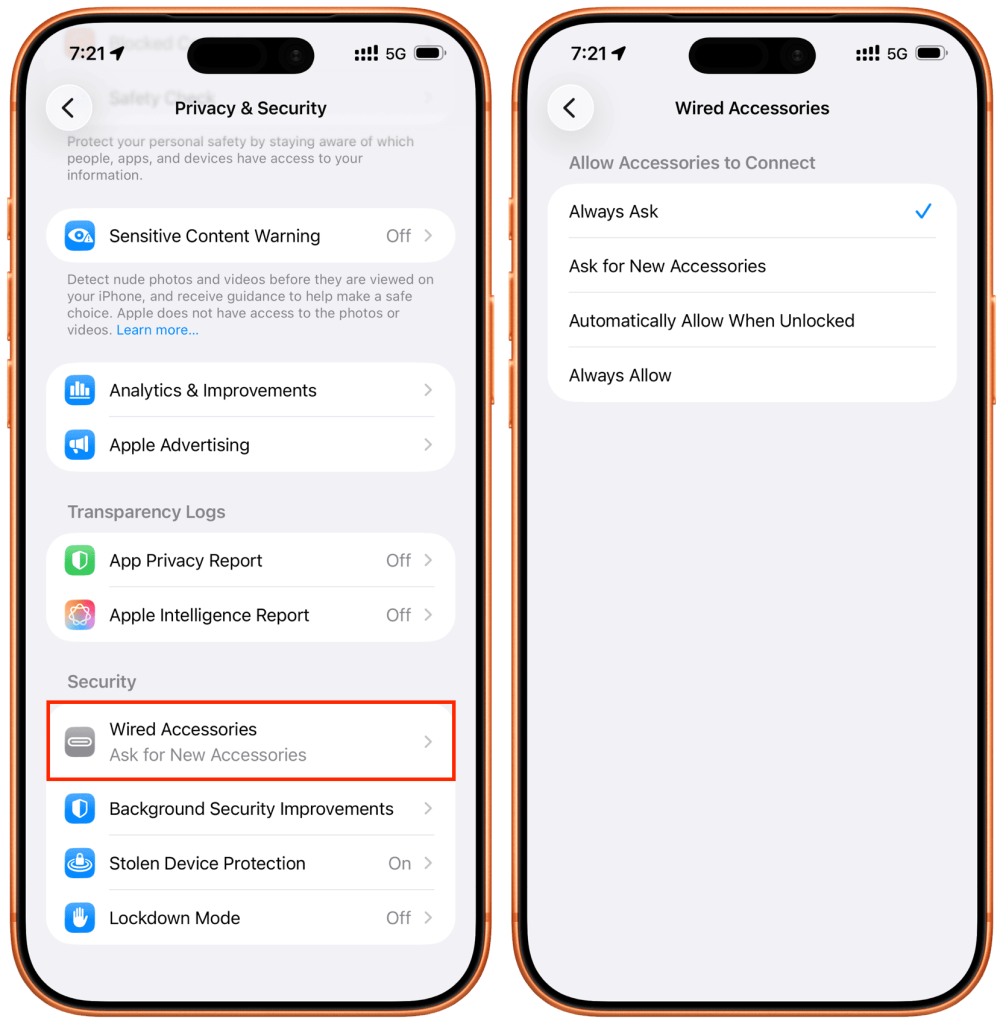
  • Wired Accessories Setting (iOS 26+): Under Settings > Privacy & Security > Wired Accessories, you can customize security for USB-C iPhones.
    • Always Ask: The iPhone will prompt you to approve each new accessory, preventing unauthorized access (e.g., at public charging stations or against hacking tools).
    • Ask for New Accessories: Asks for permission only the first time a device is connected.
    • Automatically Allow When Unlocked: Default setting, allowing connections only when the iPhone is active.
  • Protection against “Juice Jacking”: This security prevents malicious chargers from accessing or stealing your data, especially with the “Always Ask” setting activated.
#access #connection #data #encryption #feature #privacy #protection #security

admin

Author at The Sharing KH

Related Articles