
 News
News

admin
Author at The Sharing KH

This update introduces support for end-to-end encrypted RCS (beta) messaging and a downloadable Pride Luminance wallpaper, along with enhancements, bug fixes, and security updates for your iPhone.
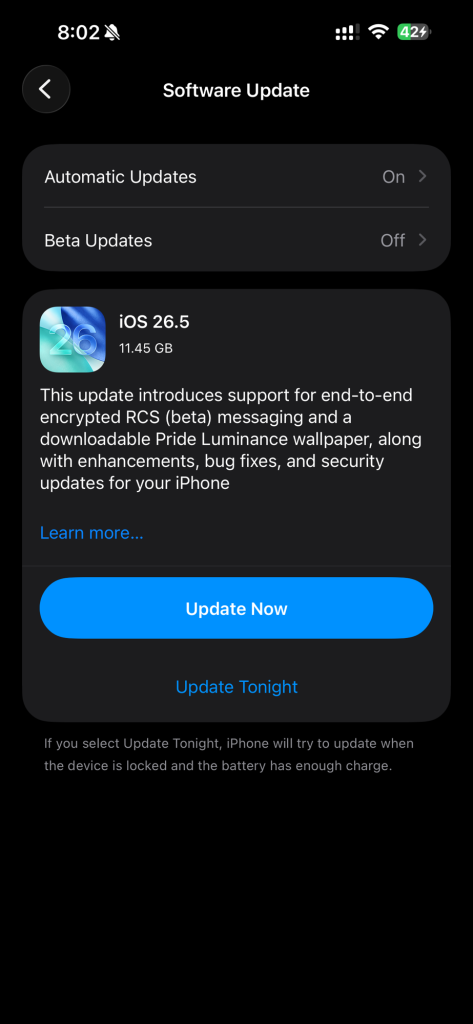
To update your iPhone, go to Settings > General > Software Update. If an update is available (such as iOS 26.5), tap Download and Install. Ensure your iPhone is connected to Wi-Fi and has sufficient battery or is plugged into power.
Steps to Update iPhone (Wireless)
admin
Author at The Sharing KH
News
 Technology
 Technology