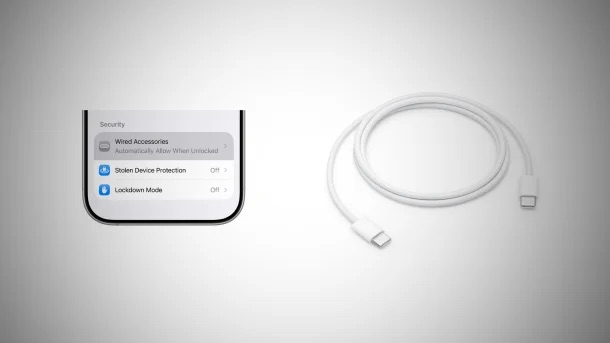
iPhone USB security centers on protecting data from unauthorized access via the port (Lightning or USB-C) by requiring the device to be unlocked. “USB Restricted Mode” locks out data connections if the iPhone hasn’t been unlocked within one hour, while modern iOS 26+ devices allow strict control over wired accessory connections
Key USB Security Features & Settings
USB Restricted Mode: If your iPhone is locked for over an hour, it will stop allowing USB accessories (or computers) to connect and steal data, though it will still charge.
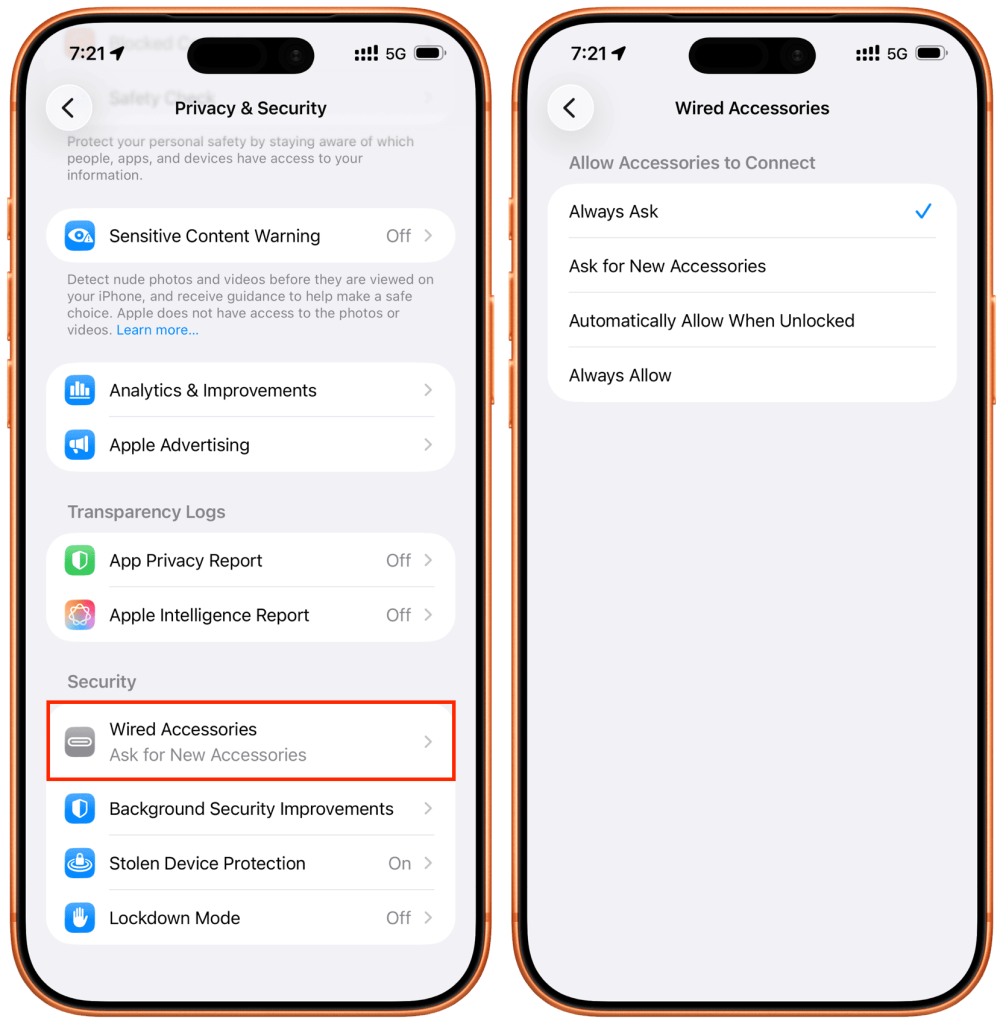
Wired Accessories Setting (iOS 26+): Under Settings > Privacy & Security > Wired Accessories, you can customize security for USB-C iPhones.
Always Ask: The iPhone will prompt you to approve each new accessory, preventing unauthorized access (e.g., at public charging stations or against hacking tools).
Ask for New Accessories: Asks for permission only the first time a device is connected.
Automatically Allow When Unlocked: Default setting, allowing connections only when the iPhone is active.
Protection against “Juice Jacking”: This security prevents malicious chargers from accessing or stealing your data, especially with the “Always Ask” setting activated.