
 Technology

admin
Author at The Sharing KH
Related Articles
Technology
 Technology
 Technology
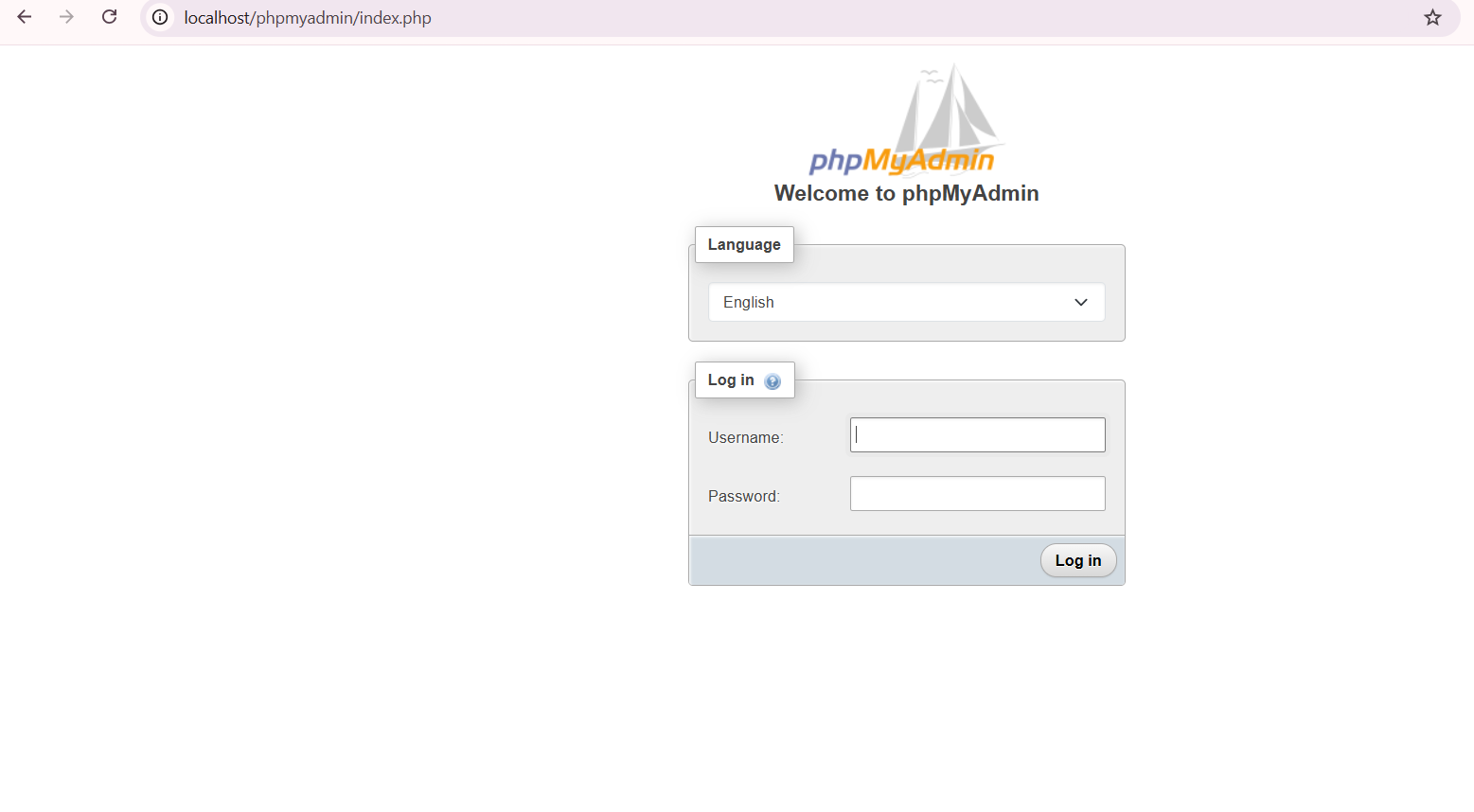
PhpMyAdmin is still your favorite MySQL database admin tool, right? RIGHT? Say no more, let’s add it to Laragon.
Download it from https://www.phpmyadmin.net/,
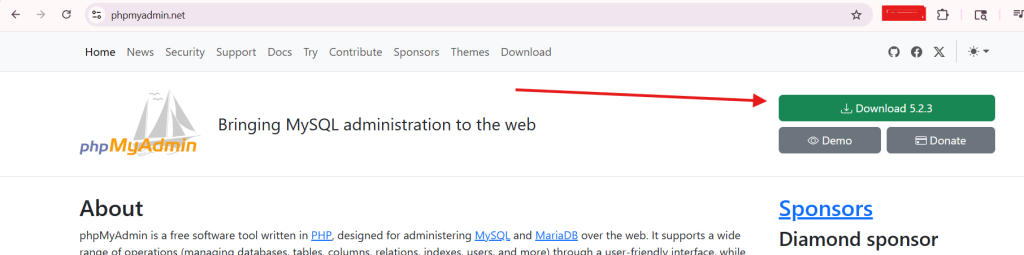
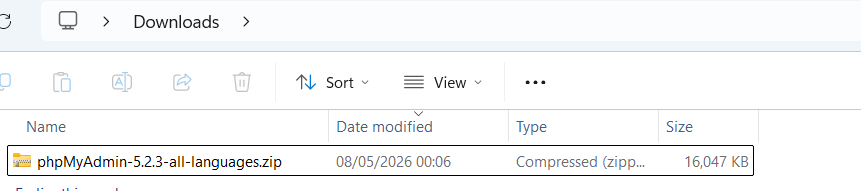
extract the archive and rename to phpMyAdmin
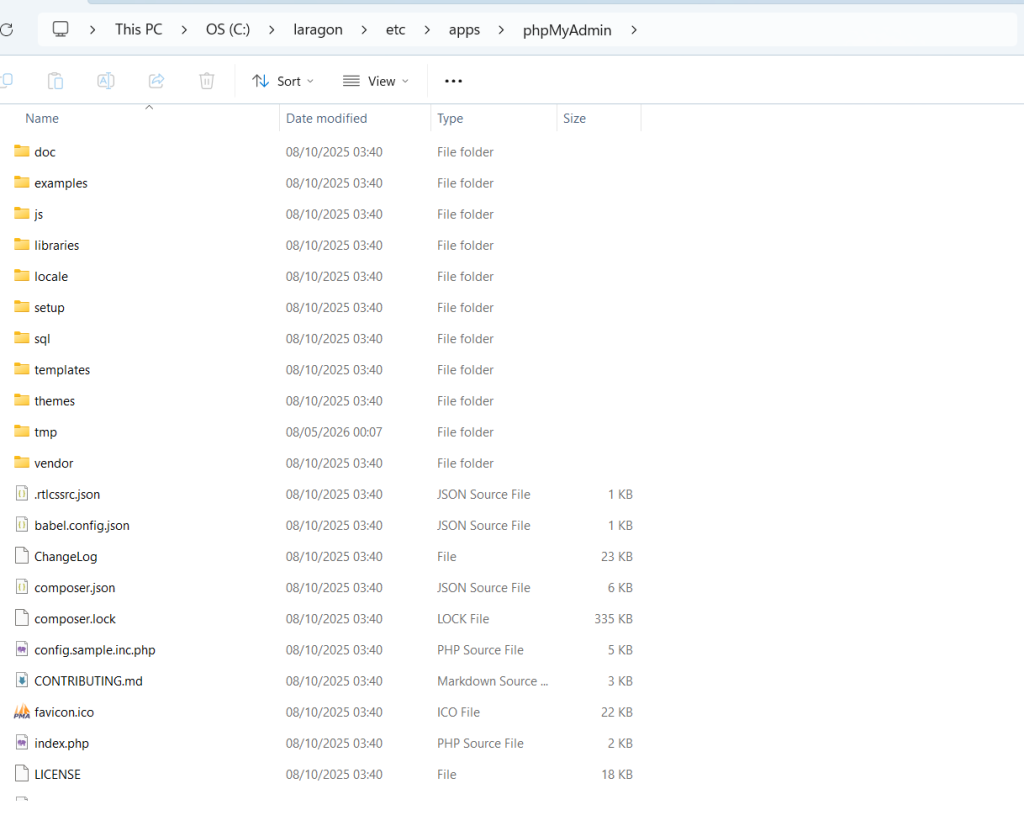
copy or move to the C:\laragon\etc\apps (if you use the default laragon installation directory) and name the folder as phpMyAdmin
And restart the laragon’s apache server to take effect and make sure the MySQL server is started.
Now when you click the Database button in laragon,
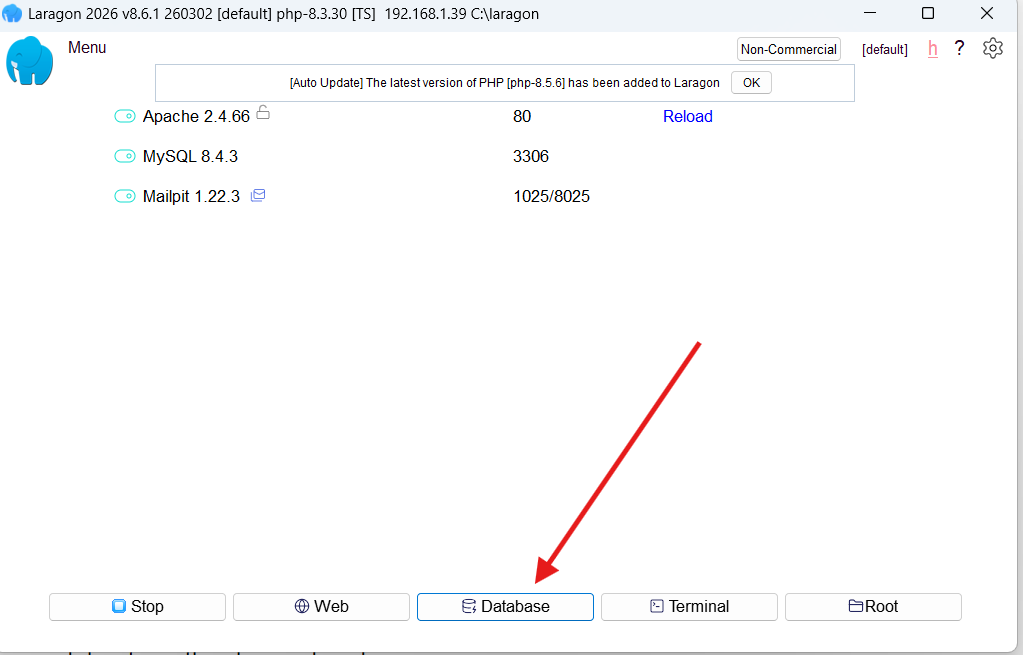
It will open the browser and direct you the phpmyadmin login page.
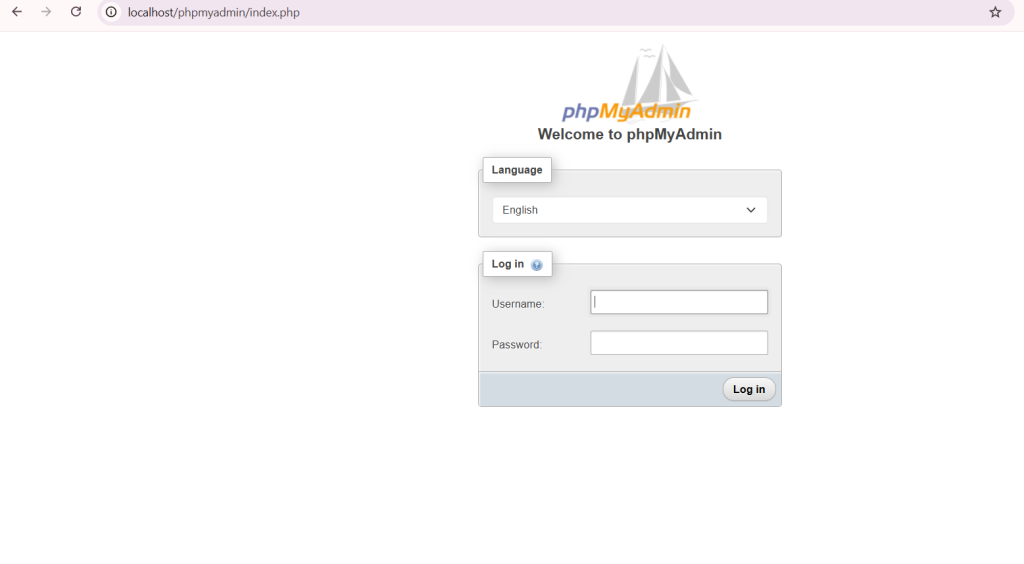
In case you forgot, The DEFAULT credential for login to mysql is using root as username and leave the password blank.
Tell me if this article is so helpful and helped you fix your problem in the comment below.
admin
Author at The Sharing KH
Technology
Technology
Technology